Bilhin ang Apple $30 gift card gamit ang USDC o USDT
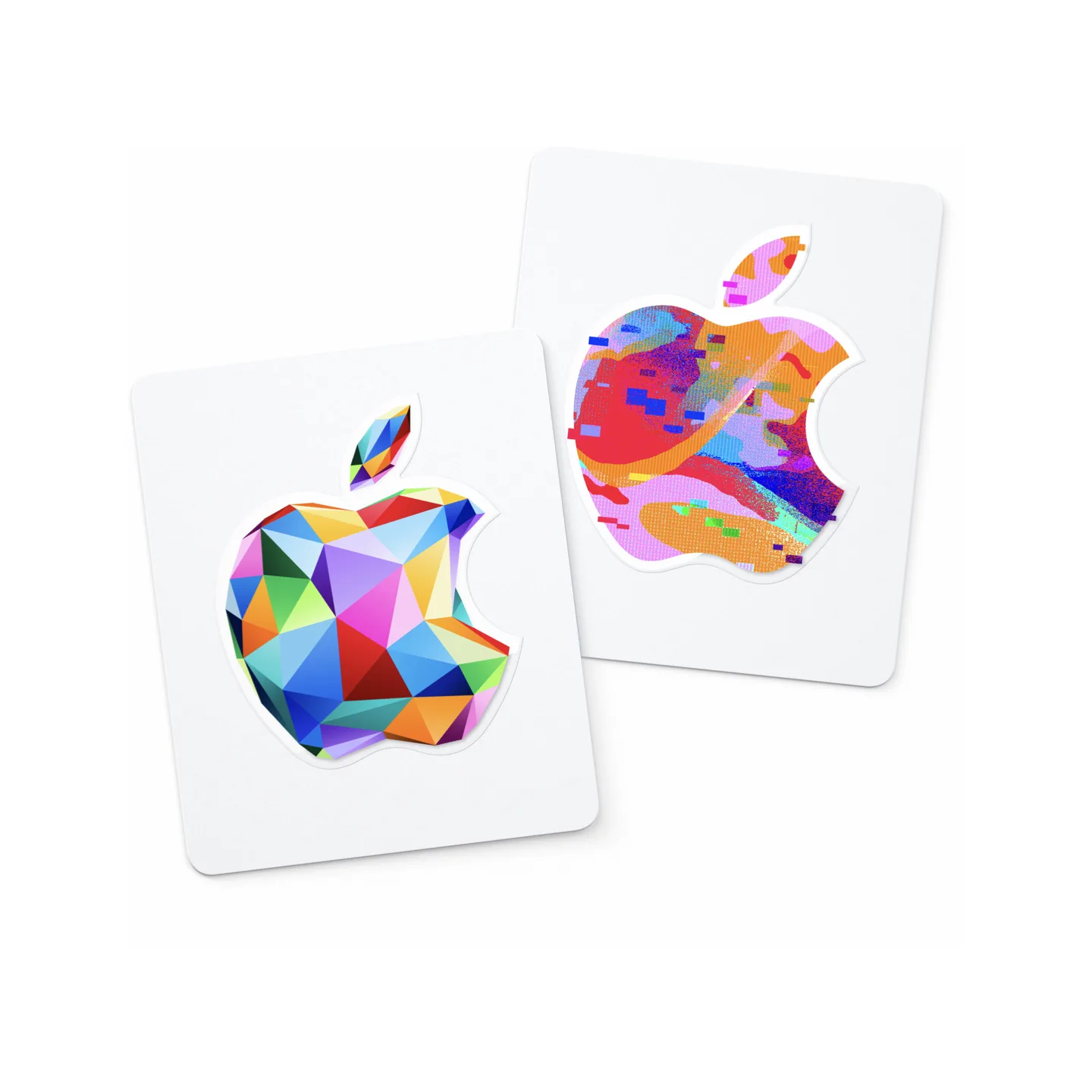
Detalye ng produkto
Basahin bago bumiliDeskripsyon
Apple Gift Card (US), USD balance para sa App Store, iTunes, Apple Store at mga serbisyo ng Apple. Manual na paghahatid pagkatapos ng kumpirmasyon ng pagbabayad. Maaari lamang i-redeem gamit ang US Apple account; mangyaring kumpirmahin ang rehiyon ng iyong account bago mag-order. Digital code lamang; walang pisikal na card.
Awtomatikong isinalin
Pangkalahatang-ideya
Bumili ng Apple $30 gift card para sa US accounts gamit ang USDC o USDT sa Taria Gift. Ang face value ay $30. Gamitin lang sa accounts na puwedeng mag-redeem ng USD Apple gift cards para sa US.
Ano ang iyong matatanggap
Redeemable Apple digital gift card code na nagkakahalaga ng $30.
Delivery
Uri ng delivery: seller fulfillment. Ire-release ng seller ang code pagkatapos ma-confirm ang bayad.
Redemption
Open the App Store, tap your profile icon, and choose Redeem or Code. On iPhone or iPad you can also go to Settings → [your name] → Media & Purchases → Redeem Gift Card. On Mac, open the App Store, click your name at the bottom of the sidebar, then click Redeem Gift Card. The balance is added instantly to your Apple ID account. gift card
Bago bumili
- Kumpirmahin na puwedeng mag-redeem ang recipient ng USD Apple gift cards para sa US.
- Madalas region-specific ang gift cards, kaya dapat tugma ang account country at currency bago mag-checkout.
- Magbayad mula sa wallet sa checkout at panatilihing bukas ang paid order page para sa delivery details.
Apple gift card FAQ
Mabibili ko ba ang Apple $30 gift card gamit ang USDC o USDT?
Bumili ng Apple $30 gift card para sa US accounts gamit ang USDC o USDT sa Taria Gift. Ang face value ay $30. Hindi kailangan ng credit card. I-redeem ang digital code pagkatapos ma-confirm ang checkout.
Paano gumagana ang payments sa Taria Gift?
Ginagamit ng Taria Gift ang Taria Pay checkout. Piliin ang USDC o USDT at supported network gaya ng BSC, Base, o Arbitrum, saka magbayad mula sa crypto wallet mo — o mag-transfer ng eksaktong halaga mula sa exchange papunta sa deposit address na ipinapakita sa checkout. Pagkatapos ma-confirm, hawak muna sa platform escrow ang bayad; susunod ang delivery sa delivery mode ng listing at ire-release ang funds sa merchant kapag tapos na ang 24-hour buyer protection window nang walang dispute.
Para ba sa US accounts ang produktong ito (Apple gift card)?
Oo. Para sa US accounts ang produktong ito at gumagamit ito ng USD. Kumpirmahin ang region at currency bago mag-checkout dahil maraming gift card ang region-specific.
Mabibili ko ba ang Apple gift card nang walang credit card?
Oo. Hindi kailangan ng credit card, debit card, o bank account sa anumang hakbang. Magbayad gamit ang USDC o USDT mula sa crypto wallet gaya ng MetaMask, Trust Wallet, Coinbase Wallet, o OKX Wallet — o mag-transfer ng USDT/USDC mula sa exchange account (Binance, OKX, atbp.) papunta sa deposit address na ipinapakita sa checkout.
Kailangan ko ba ng Taria Gift account para bumili ng Apple gift card?
Hindi kailangan ng Taria Gift account: puwedeng mag-guest checkout at walang ID verification. Delivery details lang na kailangan ng produkto ang ibibigay mo, at ide-deliver ang binili mo sa order page.
Gaano kabilis ma-deliver ang Apple digital code?
Seller-fulfilled ang listing na ito. Pag na-confirm ang stablecoin payment, kukumpletuhin ng seller ang delivery at lalabas ang gift card code sa order page mo.
Paano ko ire-redeem ang Apple gift card na ito?
Open the App Store, tap your profile icon, and choose Redeem or Code. On iPhone or iPad you can also go to Settings → [your name] → Media & Purchases → Redeem Gift Card. On Mac, open the App Store, click your name at the bottom of the sidebar, then click Redeem Gift Card. The balance is added instantly to your Apple ID account. gift card
Mabibili ko ba ang Apple gift cards gamit ang USDC o USDT?
Oo. Tumatanggap ang Taria Gift ng USDC at USDT sa checkout sa pamamagitan ng Taria Pay. Piliin ang gift card, stablecoin at network gaya ng Base, BSC, o Arbitrum, at i-approve ang wallet transaction. Lalabas ang code sa paid order page pagkatapos ng on-chain confirmation.