用 USDC 或 USDT 購買 Apple $4 禮品卡
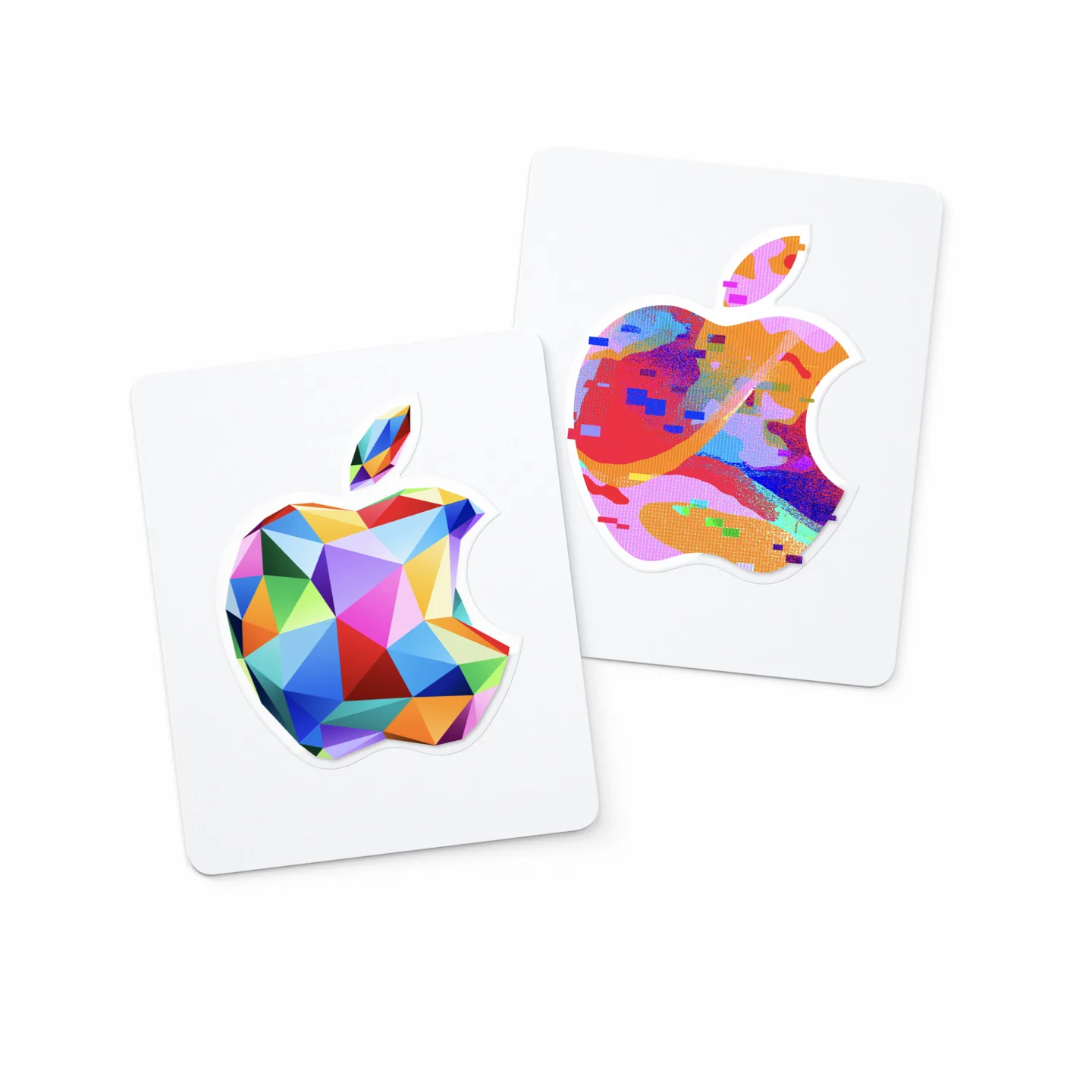
商品詳情
購買前閱讀描述
Apple Gift Card(美國),用於 App Store、iTunes、Apple Store 和 Apple 服務的 USD 餘額。付款確認後手動發貨。僅限美國 Apple 帳戶兌換;下單前請確認您的帳戶地區。僅限數字代碼;無實體卡。
自動翻譯
概述
在 Taria Gift 用 USDC 或 USDT 購買適用於United States帳戶的 Apple $4 禮品卡。標示面值為 $4。請僅用於可兌換 USD Apple 禮品卡的United States帳戶。
你將收到
一份面值 $4 的 Apple 數字禮品卡兌換碼。
交付
Delivery type: merchant fulfillment. The merchant releases the code after payment confirmation.
兌換
Open the App Store, tap your profile icon, and choose Redeem or Code. On iPhone or iPad you can also go to Settings → [your name] → Media & Purchases → Redeem Gift Card. On Mac, open the App Store, click your name at the bottom of the sidebar, then click Redeem Gift Card. The balance is added instantly to your Apple ID account. 禮品卡
購買前
- 確認接收方可以兌換適用於United States的 USD Apple 禮品卡。
- Gift cards are often region-specific, so account country and currency must match before checkout.
- Pay from your wallet at checkout and keep the paid order page open for delivery details.
Apple gift card FAQ
我可以用 USDC 或 USDT 購買 Apple $4 禮品卡嗎?
在 Taria Gift 用 USDC 或 USDT 購買適用於United States帳戶的 Apple $4 禮品卡。標示面值為 $4。無需信用卡。結帳確認後即可兌換數字代碼。
Taria Gift 的付款如何運作?
Taria Gift uses Taria Pay checkout. Choose USDT on BSC or Arbitrum, or USDC on Base, BSC, or Arbitrum, then pay from your crypto wallet — or transfer the exact amount from an exchange to the deposit address shown at checkout. Your payment is held in platform escrow after confirmation; delivery follows the listing's delivery mode, and funds are released to the merchant after the 24-hour buyer protection window closes with no dispute.
這個 Apple 禮品卡適用於United States帳戶嗎?
是的。該商品適用於United States帳戶,幣種為 USD。結帳前請確認地區和幣種,因為很多禮品卡都有地區限制。
我可以不用信用卡購買 Apple 禮品卡嗎?
Yes. No credit card, debit card, or bank account is involved at any step. Pay with USDC or USDT from a crypto wallet such as MetaMask, Trust Wallet, Coinbase Wallet, or OKX Wallet — or transfer USDT/USDC from an exchange account (Binance, OKX, etc.) to the deposit address shown at checkout.
購買 Apple 禮品卡需要 Taria Gift 帳戶嗎?
No Taria Gift account is required — guest checkout is supported and no ID verification is needed. You only provide the delivery details the product itself needs, and your purchase is delivered on the order page.
Apple 數字兌換碼多久可以交付?
This listing is merchant-fulfilled. After your stablecoin payment is confirmed, the seller completes delivery and the gift card code appears on your order page.
如何兌換這張 Apple 禮品卡?
Open the App Store, tap your profile icon, and choose Redeem or Code. On iPhone or iPad you can also go to Settings → [your name] → Media & Purchases → Redeem Gift Card. On Mac, open the App Store, click your name at the bottom of the sidebar, then click Redeem Gift Card. The balance is added instantly to your Apple ID account. 禮品卡
我可以用 USDC 或 USDT 購買 Apple 禮品卡嗎?
可以。Taria Gift 通過 Taria Pay 在結帳時接受 USDC 和 USDT。選擇禮品卡後,選擇穩定幣和網絡(如 Base、BSC 或 Arbitrum),並在錢包中確認交易。鏈上付款確認後,兌換碼會顯示在已付款訂單頁面。