用 USDC 或 USDT 购买 Apple $8 礼品卡
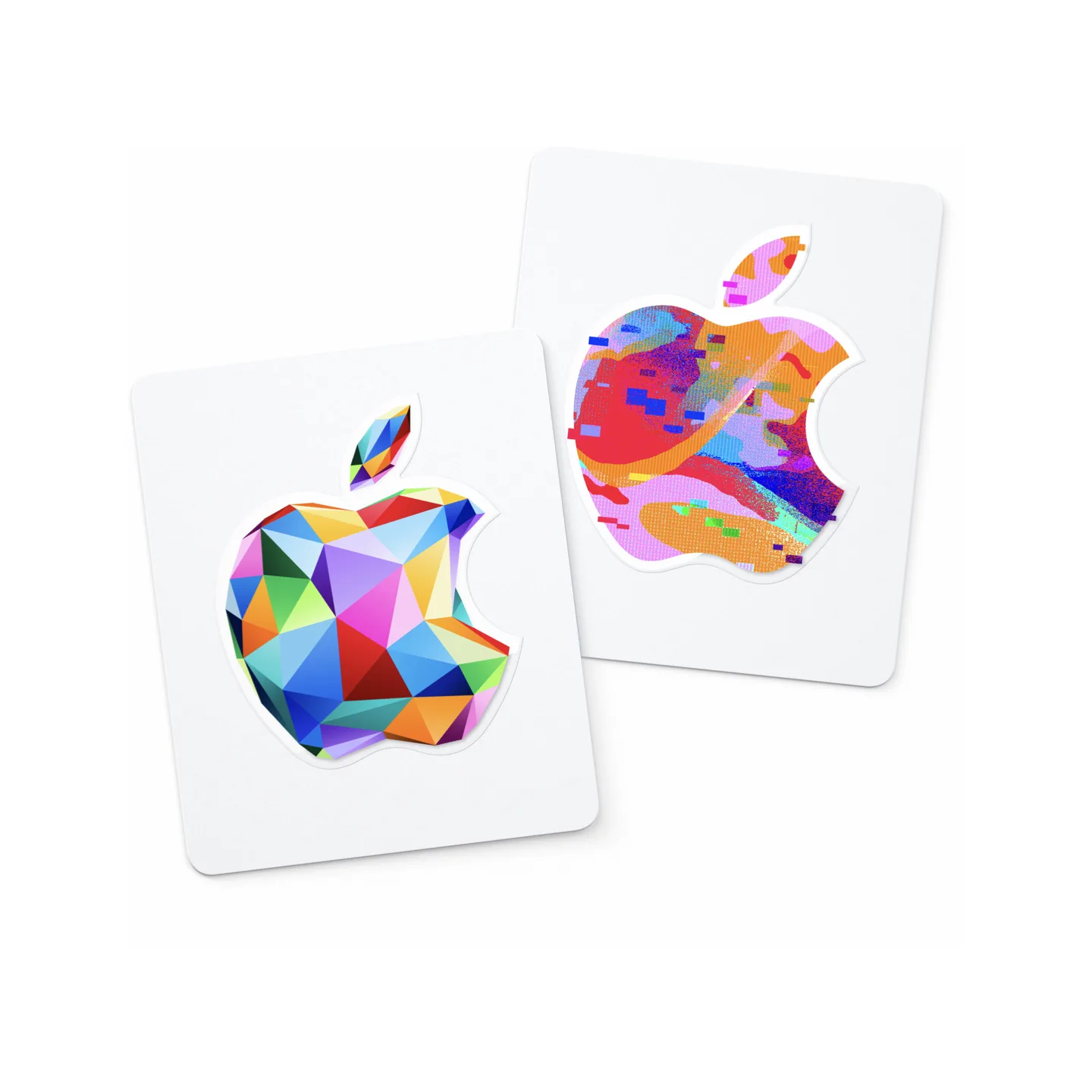
商品详情
购买前阅读描述
Apple Gift Card(美国),用于 App Store、iTunes、Apple Store 和 Apple 服务的 USD 余额。付款确认后手动发货。仅限美国 Apple 账户兑换;下单前请确认您的账户地区。仅限数字代码;无实体卡。
自动翻译
概述
在 Taria Gift 用 USDC 或 USDT 购买适用于美国账户的 Apple $8 礼品卡。标示面值为 $8。请仅用于可兑换 USD Apple 礼品卡的美国账户。
你将收到
一份面值 $8 的 Apple 数字礼品卡兑换码。
交付
交付类型:商家交付。付款确认后,商家会释放兑换码。
兑换
Open the App Store, tap your profile icon, and choose Redeem or Code. On iPhone or iPad you can also go to Settings → [your name] → Media & Purchases → Redeem Gift Card. On Mac, open the App Store, click your name at the bottom of the sidebar, then click Redeem Gift Card. The balance is added instantly to your Apple ID account. 礼品卡
购买前
- 确认接收方可以兑换适用于美国的 USD Apple 礼品卡。
- 礼品卡通常有地区限制;结账前请确认账户国家/地区和币种匹配。
- 结账时用您的钱包付款,并保留已付款订单页面以查看交付详情。
Apple 礼品卡常见问题
我可以用 USDC 或 USDT 购买 Apple $8 礼品卡吗?
在 Taria Gift 用 USDC 或 USDT 购买适用于美国账户的 Apple $8 礼品卡。标示面值为 $8。无需信用卡。结账确认后即可兑换数字代码。
Taria Gift 的付款如何运作?
Taria Gift 使用 Taria Pay 结账。选择 USDC 或 USDT 以及 BSC、Base 或 Arbitrum 等支持的网络,然后从加密钱包付款,或从交易所把等额款项转到结账页显示的收款地址。付款确认后会进入平台托管;按商品的交付方式交付,若 24 小时买家保护期内没有争议,资金会释放给商家。
这个 Apple 礼品卡适用于美国账户吗?
是的。该商品适用于美国账户,币种为 USD。结账前请确认地区和币种,因为很多礼品卡都有地区限制。
我可以不用信用卡购买 Apple 礼品卡吗?
可以。整个过程无需信用卡、借记卡或银行账户。您可以用 MetaMask、Trust Wallet、Coinbase Wallet 或 OKX Wallet 等加密钱包中的 USDC 或 USDT 支付,也可以从交易所账户(币安、OKX 等)直接把 USDT/USDC 转到结账页显示的收款地址。
购买 Apple 礼品卡需要 Taria Gift 账户吗?
无需 Taria Gift 账户;支持游客结账,也不需要身份验证。您只需提供商品交付所需的信息,购买内容会交付到订单页面。
Apple 数字兑换码多久可以交付?
该商品由商家交付。稳定币付款确认后,商家会完成交付,礼品卡兑换码会显示在您的订单页面。
如何兑换这张 Apple 礼品卡?
Open the App Store, tap your profile icon, and choose Redeem or Code. On iPhone or iPad you can also go to Settings → [your name] → Media & Purchases → Redeem Gift Card. On Mac, open the App Store, click your name at the bottom of the sidebar, then click Redeem Gift Card. The balance is added instantly to your Apple ID account. 礼品卡
我可以用 USDC 或 USDT 购买 Apple 礼品卡吗?
可以。Taria Gift 通过 Taria Pay 在结账时接受 USDC 和 USDT。选择礼品卡后,选择稳定币和网络(如 Base、BSC 或 Arbitrum),并在钱包中确认交易。链上付款确认后,兑换码会显示在已付款订单页面。